

đź“‹ Discover research and real-world results from immersive vocational training!

Download Whitepaper

Create Accessible Immersive Learning Experiences

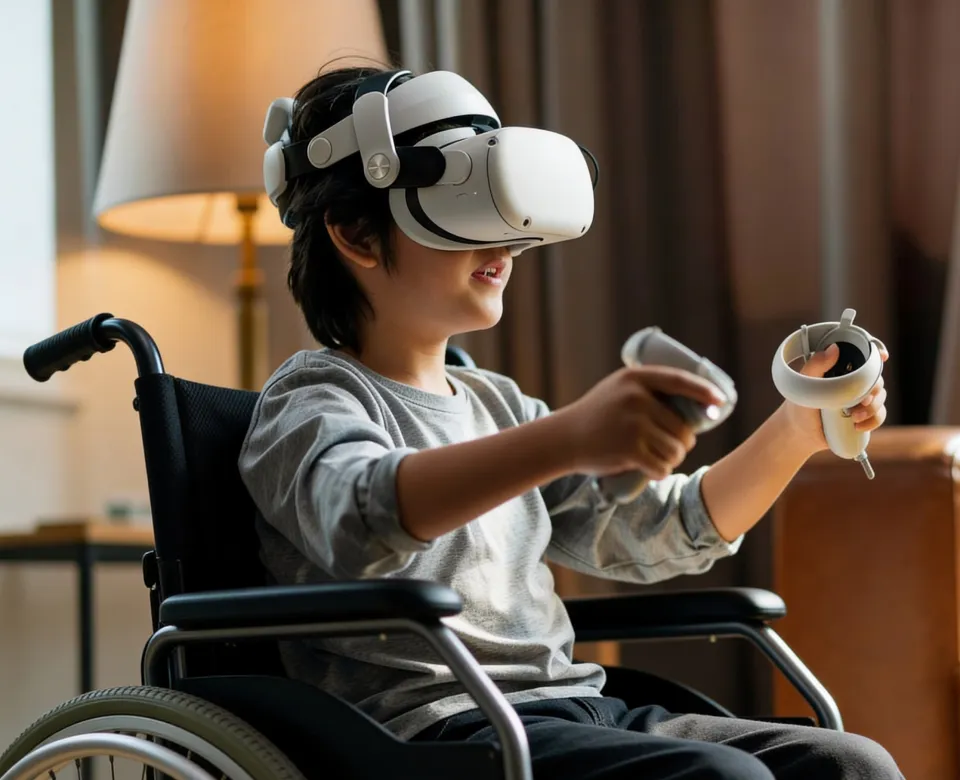
Help promote more equitable access to learning across contexts, devices, and learner needs.

Users…highlighted their potential power to enhance accessibility and inclusivity...recognized as vital for technology-based learning and are protected by the Equality Act in the U.K.

ThingLink and the Laboratory: Interactive Simulations of Analytical Instrumentation for HE Science Curricula. Adam J. Jeffery et al, Journal of Chemical Education 14, June 2022

We can use ThingLink to place multiple resources for the children to … pick and choose the resource which is most appropriate for them, at their own particular level. This is fantastic for inclusion as the resources are available for all; no child will feel excluded through differentiation - the children take ownership for their learning.

“Changing Learning, Changing Lives - What Happens When Edtech Becomes Pedtech?” Dr Fiona Aubrey-Smith, p72

Empower Learners with Inclusive, Interactive Content

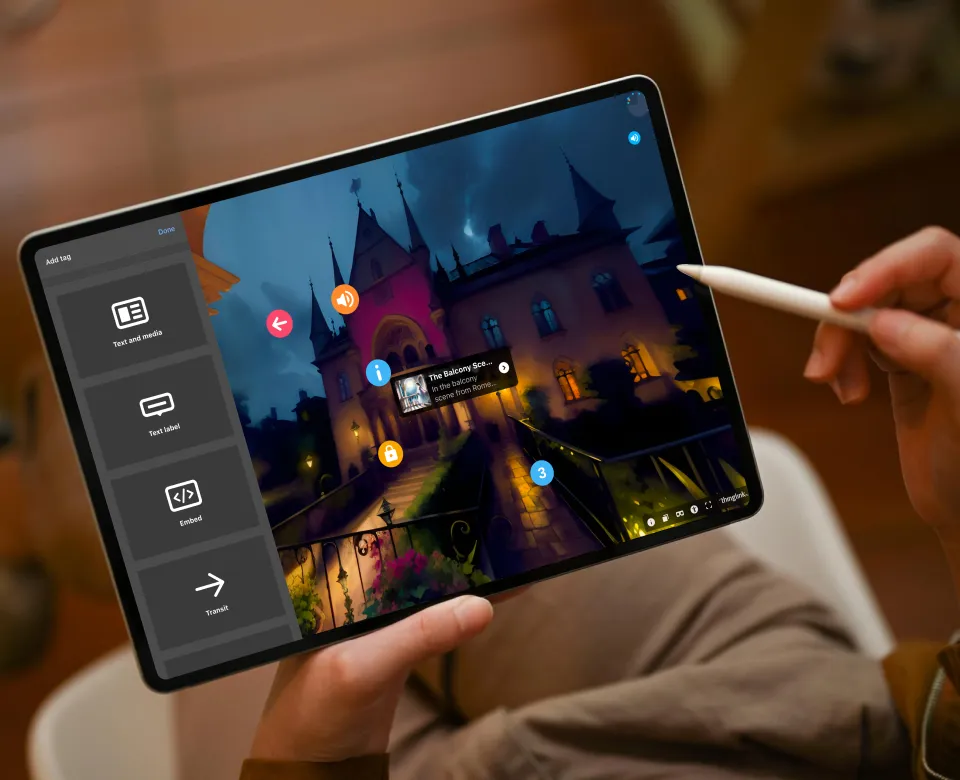
ThingLink lets anyone author learning and training materials with accessibility built in from the start. The platform supports both digital learning and real-world environments by making interactive content easier to access across devices and contexts.

A More Accessible Way to Learn

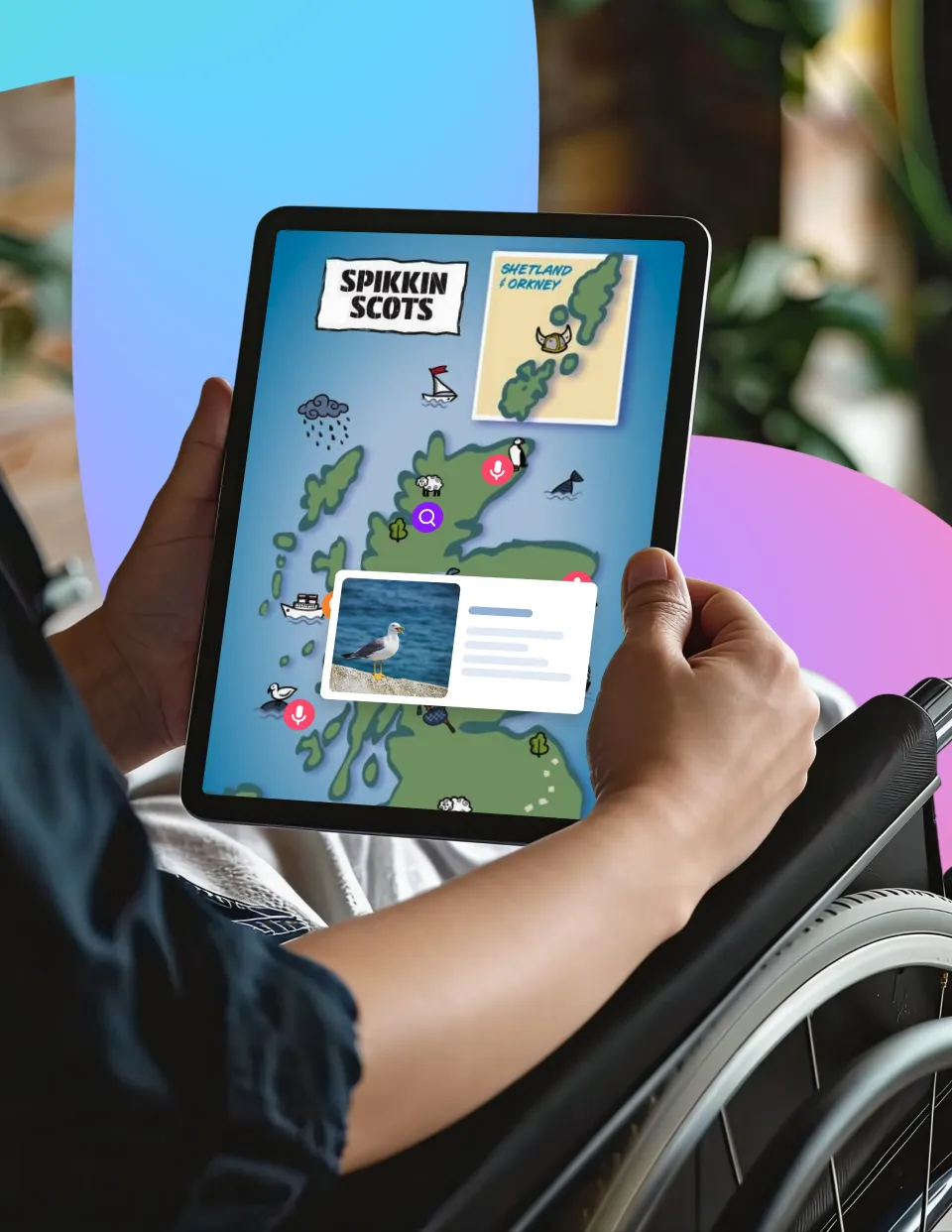
Struggling to present complex ideas to foster understanding for diverse learning needs? ThingLink’s multimodal, multimedia learning content supports a range of accessibility needs and gives learners flexibility in how they engage with content without requiring multiple versions.

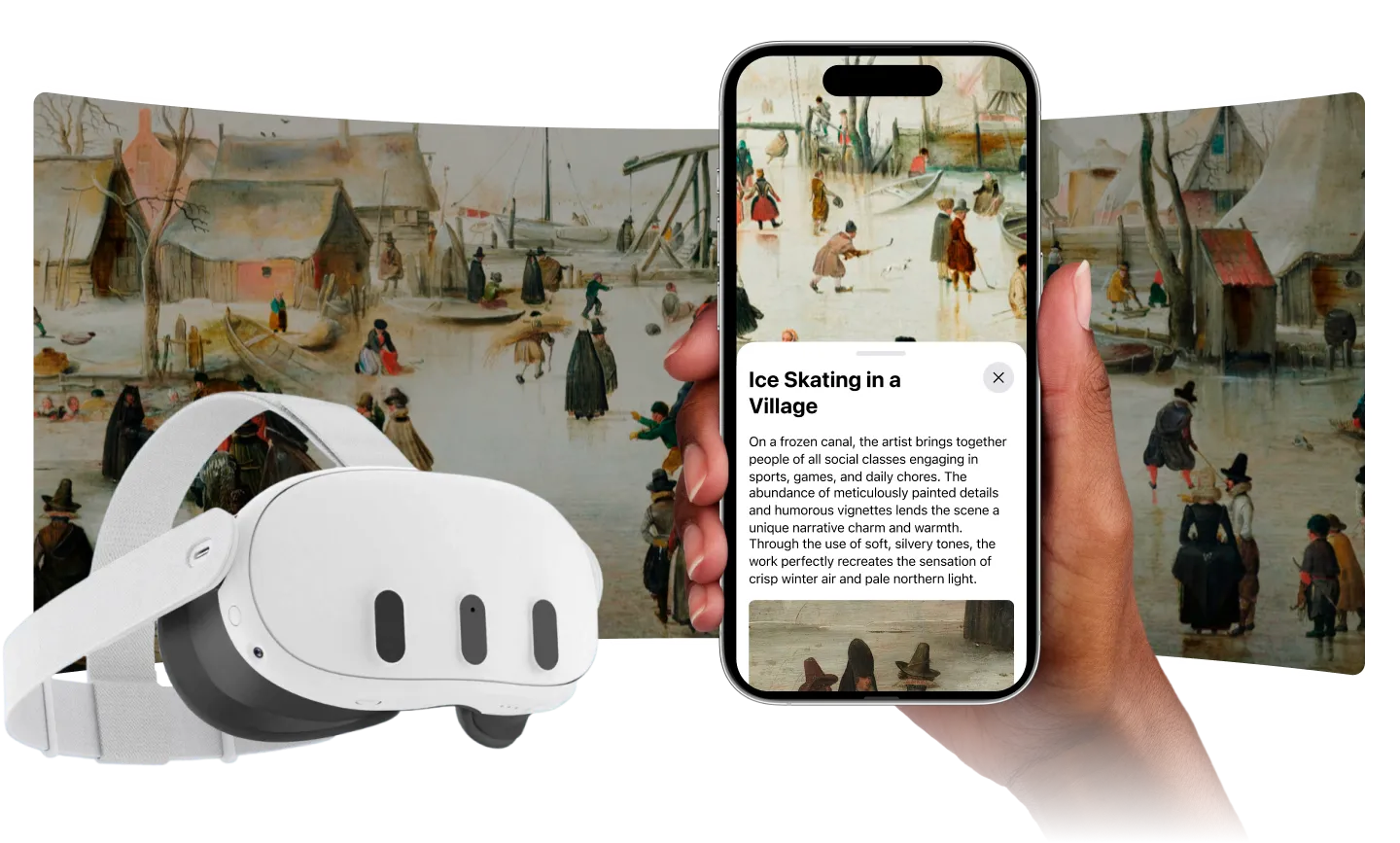
Interactive images, videos, 360° visuals, and virtual tours can add context and clarity to difficult concepts, making them easier to understand for learners with diverse cognitive abilities. ThingLink learning can be instantly and easily shared to any type of screen, so your learners can access it in familiar ways - anytime, anywhere.

Enable Learning and Creation Opportunities for Inclusive Participation

Designed to Support Accessible Engagement

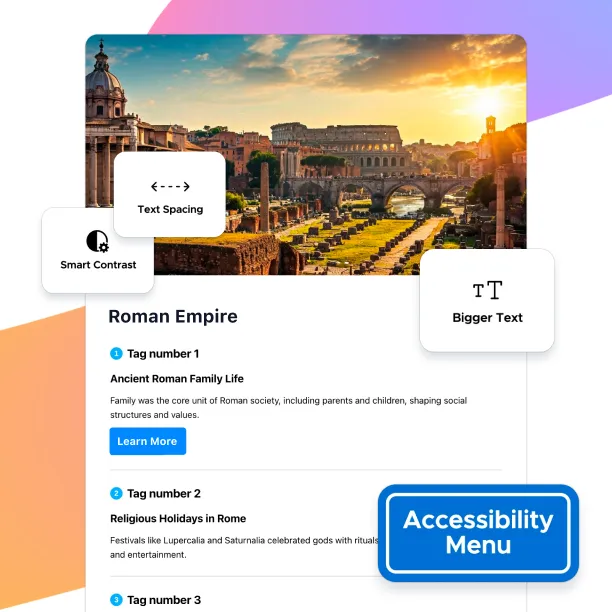
ThingLink’s Accessibility Player enables smooth navigation of interactive images and videos for all users, including those relying on screen readers and keyboard navigation. Built to meet WCAG (Web Content Accessibility Guidelines), it helps your learning content become inclusive, compliant, and effective for diverse accessibility needs.
Reading and Understanding Made Easier for Everyone

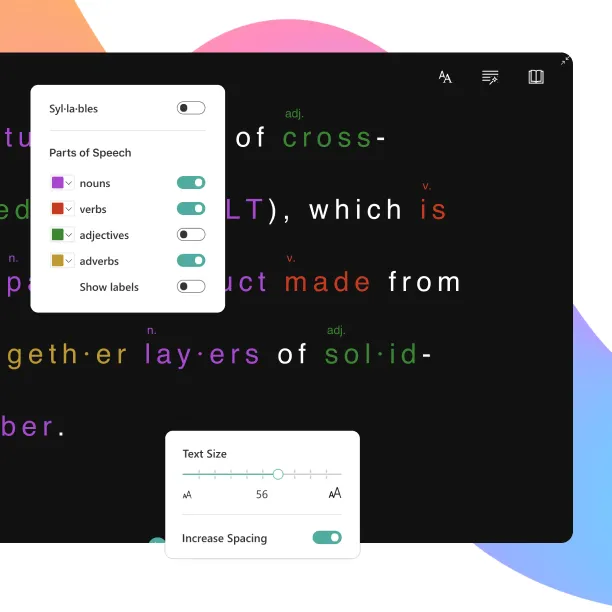
Microsoft’s Immersive Reader supports diverse learning needs by offering text-to-speech, translation into more than 50 languages, and built-in reading and comprehension tools. Automatically enabled for all text and media tags, it enables every learner to access and understand content in the way that works best for them.

Removing Language Barriers in Authoring and Learning

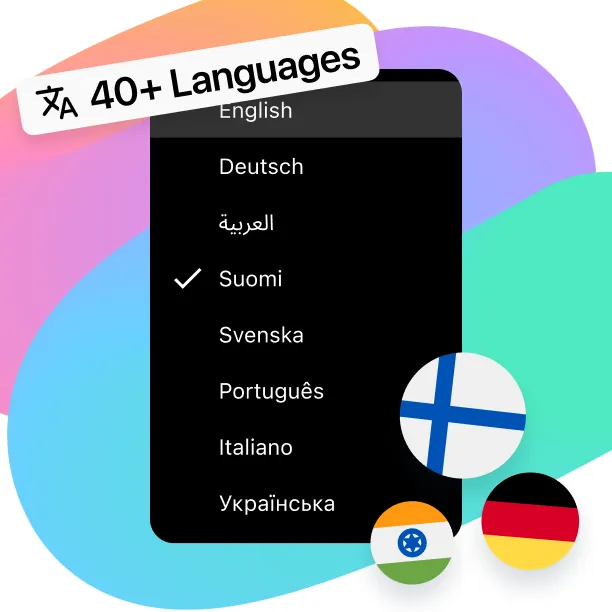
ThingLink’s Translation Tools automatically adapt images, videos, 360° images, and 360° videos into 40 languages, helping content reach learners worldwide. The learner interface is available in 23 languages, and the creator interface in 21, supporting a more consistent and accessible experience for both audiences.

Accessible by Design: Additional Built-In Tools for Inclusive Learning

Accessibility is built into ThingLink by default, with tools that support inclusive learning design without adding complexity.

Accessible Visuals with Built-In Alt Text

Alt text helps make images, videos, and 3D models usable with screen readers. ThingLink generates alt text automatically from scene titles, with the option to refine descriptions where clarity matters.

Enhance Understanding with Captions

Closed captions can be added to base videos and videos embedded within tags. Captions support deaf and hard-of-hearing learners and make video content easier to follow in varied learning environments.

High Contrast For Easier Viewing

High-contrast color options improve the visibility of tag icons and text. This helps interactive content stay readable and usable across different backgrounds, lighting conditions, and visual needs.

Simplify Learning with Guided Mode

Guided Mode allows creators to control the order in which information appears. By structuring content into a clear path, learners can focus more easily and move through complex material with confidence.

Expand Access to Learning Environments with ThingLink

Create interactive learning experiences that remove barriers and make complex environments easier to explore, understand, and navigate.

Learner Analytics reveal the paths learners take and the content they engage with, providing valuable insights that help creators refine their materials for greater accessibility, engagement, and effectiveness.

Case Studies

ROM created a ThingLink virtual tour specifically to address the diverse learning and accessibility needs of their viewers.

Make Any Content More Interactive, Engaging, and Accessible

Enhance the learning experience for all learners, regardless of their individual needs and preferences.